Alternative Viewing Methods When OTT App Support Ends on Older Smart TVs
When an OTT app stops working on an older smart TV, it does not necessarily mean that the entire television needs to be replaced. In many cases, the screen, speakers, and connection ports still function well. The real issue is often that the built-in operating system has become too outdated to receive newer versions of the app.
Instead of repeatedly reinstalling the application or restoring the TV to factory settings, users can separate the “smart” functions from the display itself. External streaming devices, IPTV set-top boxes, computers, smartphones, and game consoles can all take over the task of running OTT apps.
Each option has different costs, levels of convenience, and technical limitations. The most suitable choice depends on the TV’s available ports, viewing habits, household size, and the streaming services used most often.
External Streaming Device Connections
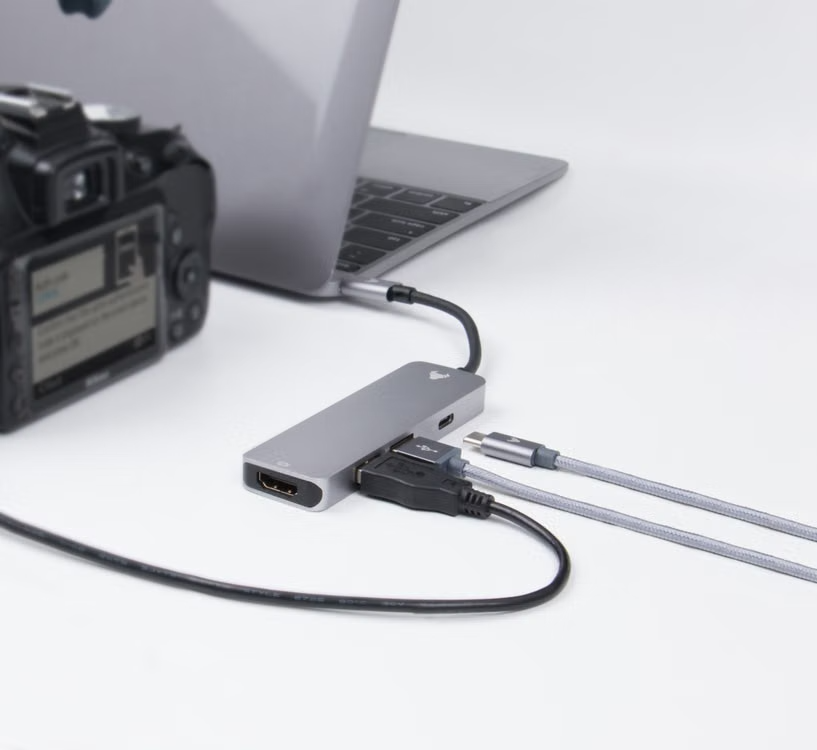
An external streaming device connected through HDMI is usually the most convenient solution for a smart TV that no longer receives software updates. Chromecast, Apple TV, Fire TV, Roku, and Android TV boxes can run apps independently, connect to the internet, and send video to the television screen.
After installation, the older TV mainly serves as a display and audio output. Account login, app installation, software updates, and video processing are handled by the external device.
In practical use, app launch speeds may become noticeably faster than on the TV’s original platform. Older smart TVs often have limited memory, weak processors, and slow interfaces. A modern streaming player can make app switching, content searches, and video navigation feel much smoother.
Before purchasing a device, users should confirm the maximum resolution supported by the television. If the screen only supports Full HD, buying an expensive 4K player will not turn the image into 4K. However, most devices can still operate at a lower output resolution when the settings are adjusted correctly.
HDMI compatibility and content-protection standards also require attention. Some very old TVs may display the device menu normally but show a black screen when protected content begins. Changing HDMI ports may solve a connection or signal-detection problem, but it cannot correct an incompatible content-protection standard.
App availability also differs between devices. Major international platforms are commonly available on popular operating systems, while local broadcasters or smaller OTT services may support only selected models or platforms.
IPTV and Cable Set-Top Box Applications
Many households already use an IPTV or cable set-top box without realizing that it may also support OTT apps. If the box includes Netflix, YouTube, Disney+, or other services, viewers can continue watching even after the television’s built-in app is discontinued.
The main advantage is simplicity. Users may not need to buy another player, rearrange several cables, or learn a completely new interface. Some set-top boxes allow viewers to move between live television channels, on-demand libraries, and OTT apps with the same remote control.
This option is especially practical for households with older adults or young children. Keeping one familiar control system reduces problems such as selecting the wrong HDMI input, using the wrong remote, or being unable to return to regular television channels.
However, set-top boxes do not all provide the same app library. Some service providers include only a few major platforms and do not allow users to install additional apps. App updates may also arrive more slowly than they do on dedicated streaming devices.
Users should open the set-top box’s app store, confirm that the required service is available, and test real video playback. The presence of an app icon alone does not guarantee that the device remains fully supported.
Computer-to-TV HDMI Connections
Connecting a laptop or desktop computer to the TV through HDMI is one of the easiest options to test. If the content plays correctly in a supported browser, the video and audio can usually be sent directly to the television.
This method works well for occasional viewers or people who already keep a computer near the TV. It is also useful when a streaming service does not offer an app for the chosen media player but still supports browser playback.
A computer provides flexible searching, easier password entry, and access to a wider range of legitimate web-based services. Viewers can also manage subtitles, adjust video quality, and open different platforms without being limited by the app store of one particular device.
The main disadvantage is that the setup often feels less natural than standard television use. Users must connect a cable, choose the correct HDMI input, and adjust the display mode. In some cases, the image appears on the television while the sound continues playing through the computer speakers, requiring a manual change to the default audio output.
Screen scaling, text size, and sleep settings may also need adjustment. If the computer enters sleep mode after a few minutes, playback can be interrupted. A wireless keyboard with a built-in touchpad is usually more convenient than sitting close to the computer.
This is a dependable temporary solution, but repeated cable connections and mouse-based control make it less comfortable for everyday viewing.
Smartphone Casting and Screen Mirroring
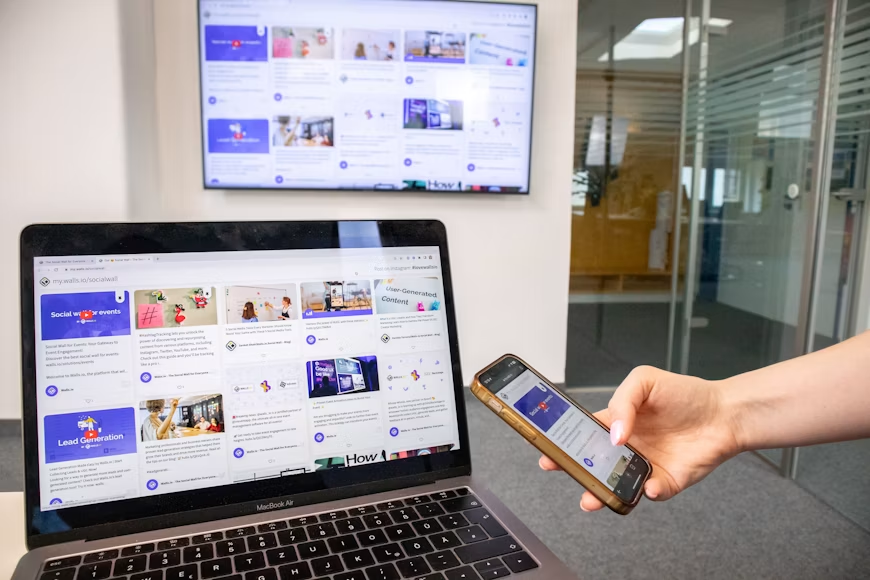
Chromecast, AirPlay, and screen-mirroring features allow users to send content from a smartphone or tablet to a television. A viewer can search for a film on a personal device, tap the casting icon, and control playback from the phone.
With true casting, the smartphone sends playback instructions while the receiving device downloads the video stream directly. This means the phone can often be locked or used for certain other tasks without interrupting the program.
Screen mirroring works differently. The entire phone display is copied to the TV, including notifications, app changes, and screen orientation. This can be useful for personal photos, presentations, or unrestricted videos, but it is not always suitable for subscription streaming.
Some OTT apps block screen mirroring and display only a black screen on the television. Others may reduce resolution, fail to transmit audio, or reject the adapter being used. For this reason, users should test an actual movie or episode before relying on this method as a permanent setup.
Wi-Fi stability also has a noticeable effect on the viewing experience. The smartphone and receiving device should generally use the same network, and the signal should be strong enough to prevent buffering, disconnections, or interruptions.
OTT Applications on Game Consoles
PlayStation and Xbox consoles can serve as OTT playback devices when their app stores still offer the required services. For households that already own a console, this can be a practical way to reuse existing equipment without purchasing another streaming player.
Video output from game consoles is generally stable, and many models support high resolutions, HDR, and multichannel audio. This also removes dependence on the television’s outdated operating system.
However, a console is not the most efficient choice when its only purpose is watching movies or television programs. Game systems usually consume more electricity than compact streaming devices, produce more heat, and require more time to start.
A game controller is also less convenient than a standard remote for actions such as fast-forwarding, adjusting volume, or selecting episodes. Some consoles support dedicated media remotes, but this may require an additional purchase.
System updates do not guarantee that every OTT app will remain available indefinitely. Before relying on a console, users should confirm that the app is still listed in the store and complete a real login and playback test.
External Device Costs and TV Replacement Value
Replacing the television should usually be the final option when the display and connection ports still meet the household’s needs. A basic streaming player costs much less than a new TV and may extend the useful life of the screen for several more years.
If the image remains clear, the speakers work properly, the remote responds well, and the HDMI ports are stable, adding an external device often provides better value than purchasing a new television.
Keeping an older TV is not always the cheaper choice, however. A dim screen, low resolution, lack of HDR support, unreliable HDMI ports, or declining sound quality can reduce the viewing experience even when the external player works perfectly.
Users should also calculate the total cost of the player, HDMI cables, converters, extra remotes, and power accessories. If the TV lacks HDMI and requires several layers of adapters, image quality may fall while the setup becomes increasingly complicated.
When considering 스마트 TV 앱이 안 될 때 원하는 영상을 계속 보는 방법, first confirm whether the app has genuinely lost support or is only experiencing a temporary error. After that, check the television’s available ports and the devices already in the home. A dedicated streaming player is suitable for frequent use, while an IPTV box, computer, smartphone, or game console can serve as an alternative depending on the situation.
A new television becomes worthwhile only when both the software platform and the display hardware no longer provide the desired viewing quality.